OroJewel Shopify Theme

The premium theme
for jewelry stores

A beautifully crafted Shopify theme with 31 sections, 20+ interactive features, and a design language inspired by the elegance of fine jewelry. Built for merchants who demand the best.

31+ Sections
20+ Features
5 Design Quality
100% Responsive

What's Included

Everything your jewelry store needs

Thirty-one thoughtfully designed sections and a suite of interactive features — all tailored for the jewelry industry.

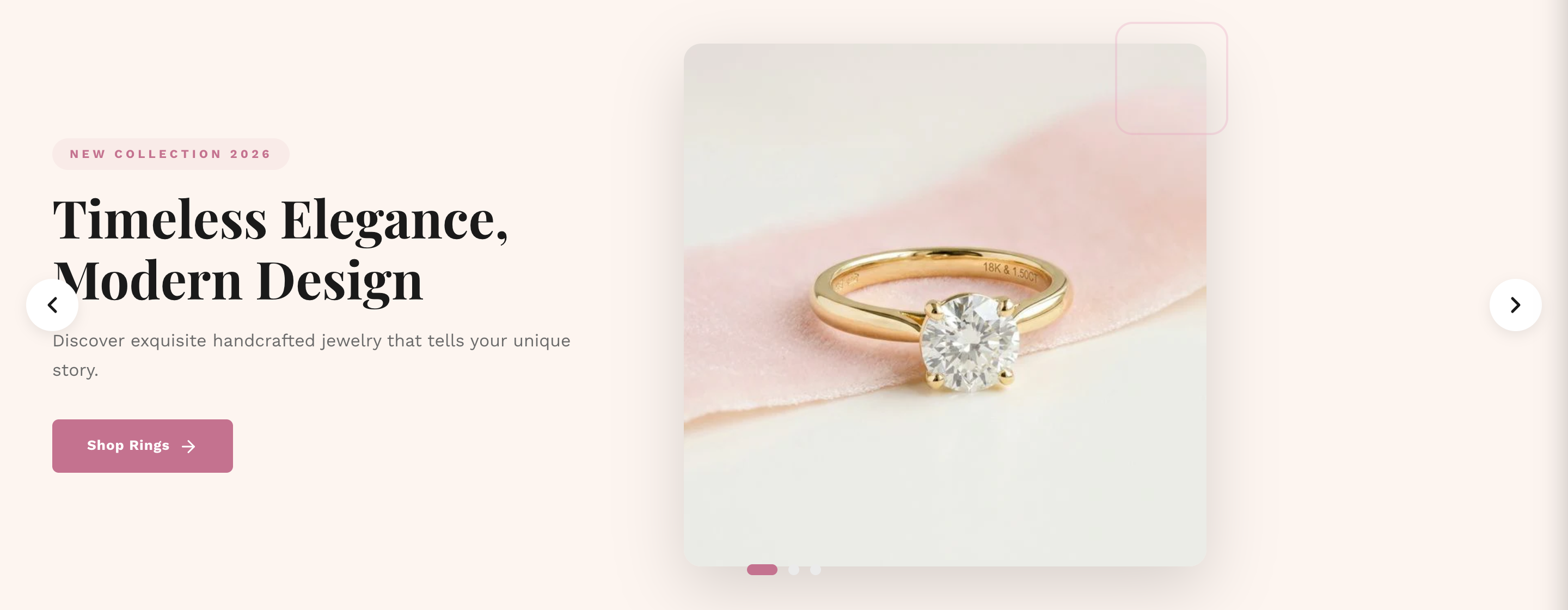
Hero Slider

Auto-rotating full-screen carousel with swipe support, dot indicators, and per-slide CTA buttons. Perfect for campaign launches and seasonal collections.

Homepage Configurable

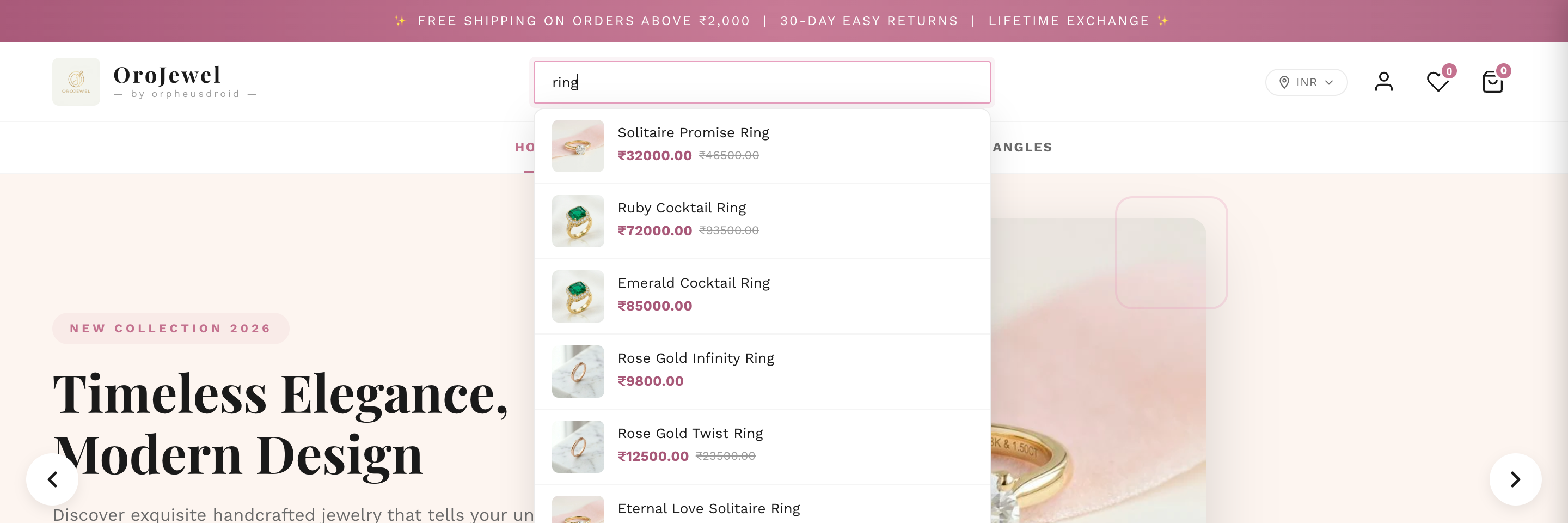
AJAX Search

Real-time product autocomplete in the header using Shopify's Predictive Search API. Shows product images, pricing, and a "View all" link — zero page reload required.

Header Real-time

Mega Menu

Attach any Shopify navigation menu to a header item for multi-column dropdown navigation. Supports featured images with titles and subtitles.

Header Configurable

Wishlist

Client-side wishlist stored in localStorage. Includes a slide-in drawer, heart badge counter, toast notifications, and works without any third-party app.

Built-in No App Required

Product Gallery

Thumbnail carousel with a lightbox supporting images, native video, YouTube, Vimeo, and 3D model viewer. Keyboard navigation and click-outside to close.

Product Page 3D Support

Variant Picker

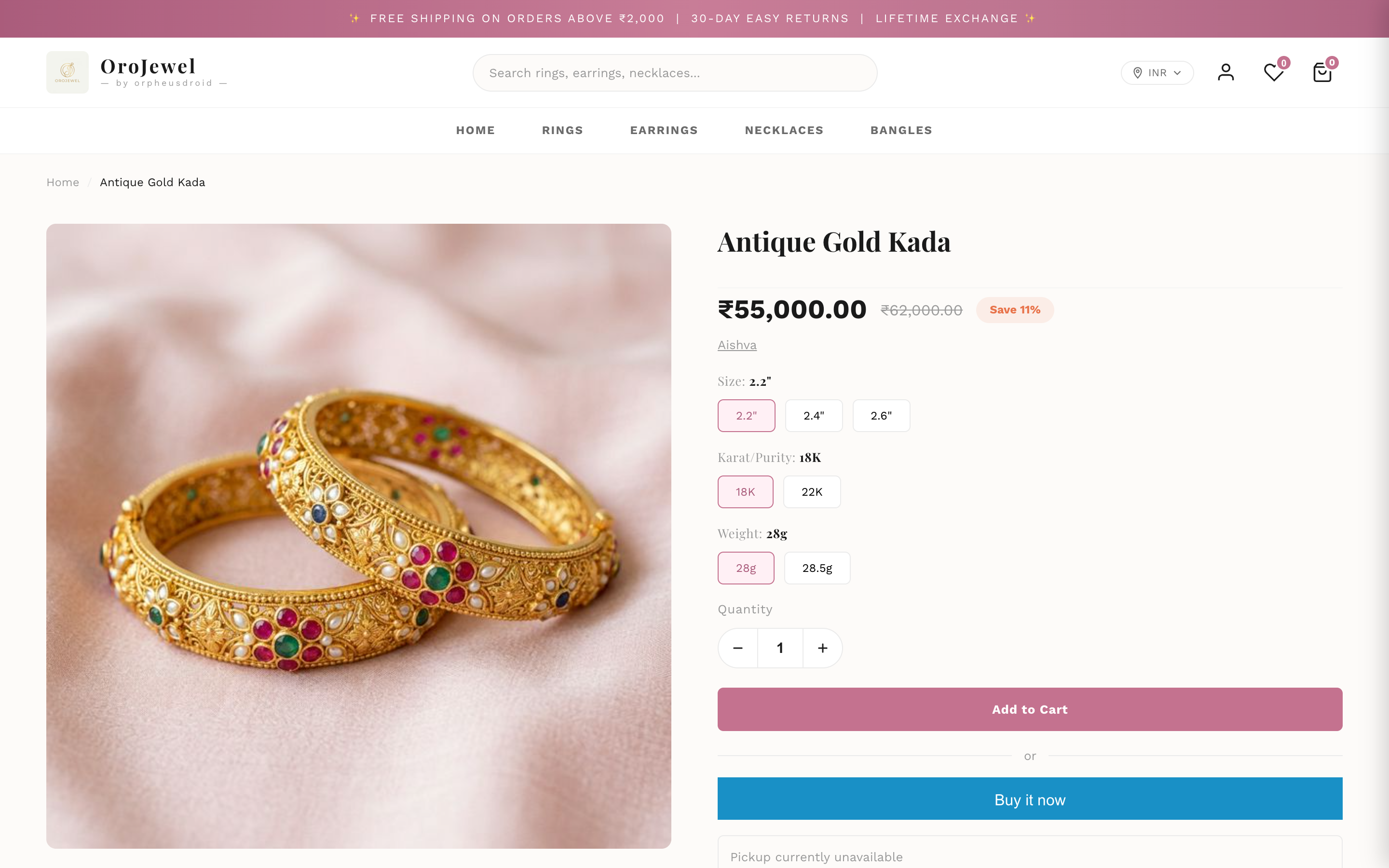
Option pills and color swatches with real-time price updates, discount % calculation, and automatic sold-out state management without page reload.

Product Page Dynamic

Shop by Price

Price-tier browsing section unique to jewelry stores. Up to 4 price range blocks, each with a custom image and direct link to a price-filtered collection.

Jewelry-Specific Homepage

Collection Filters

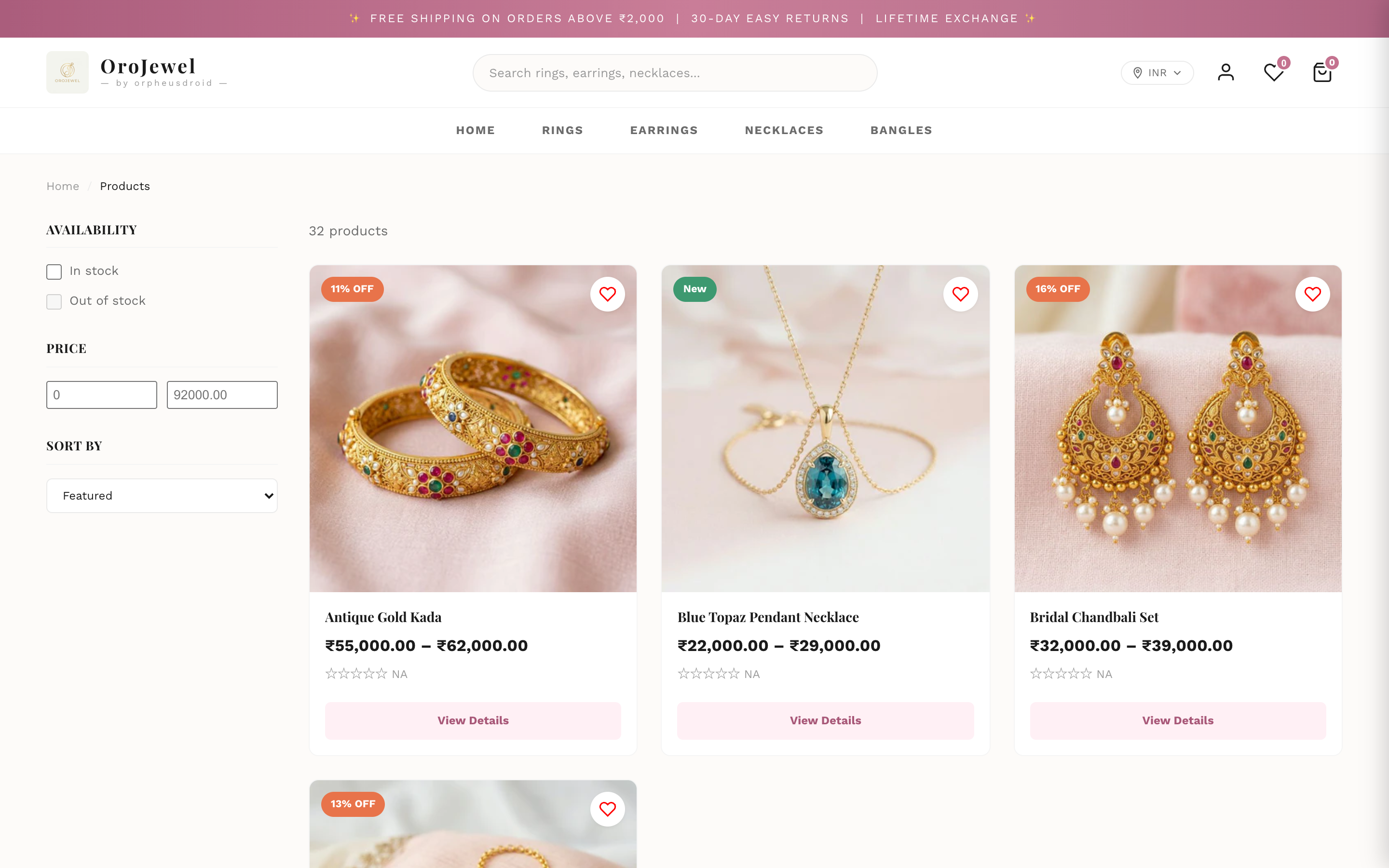
Sidebar with checkbox attribute filters, a price range slider, and sort dropdown. Choose between pagination or infinite scroll — configurable per store.

Collections Configurable

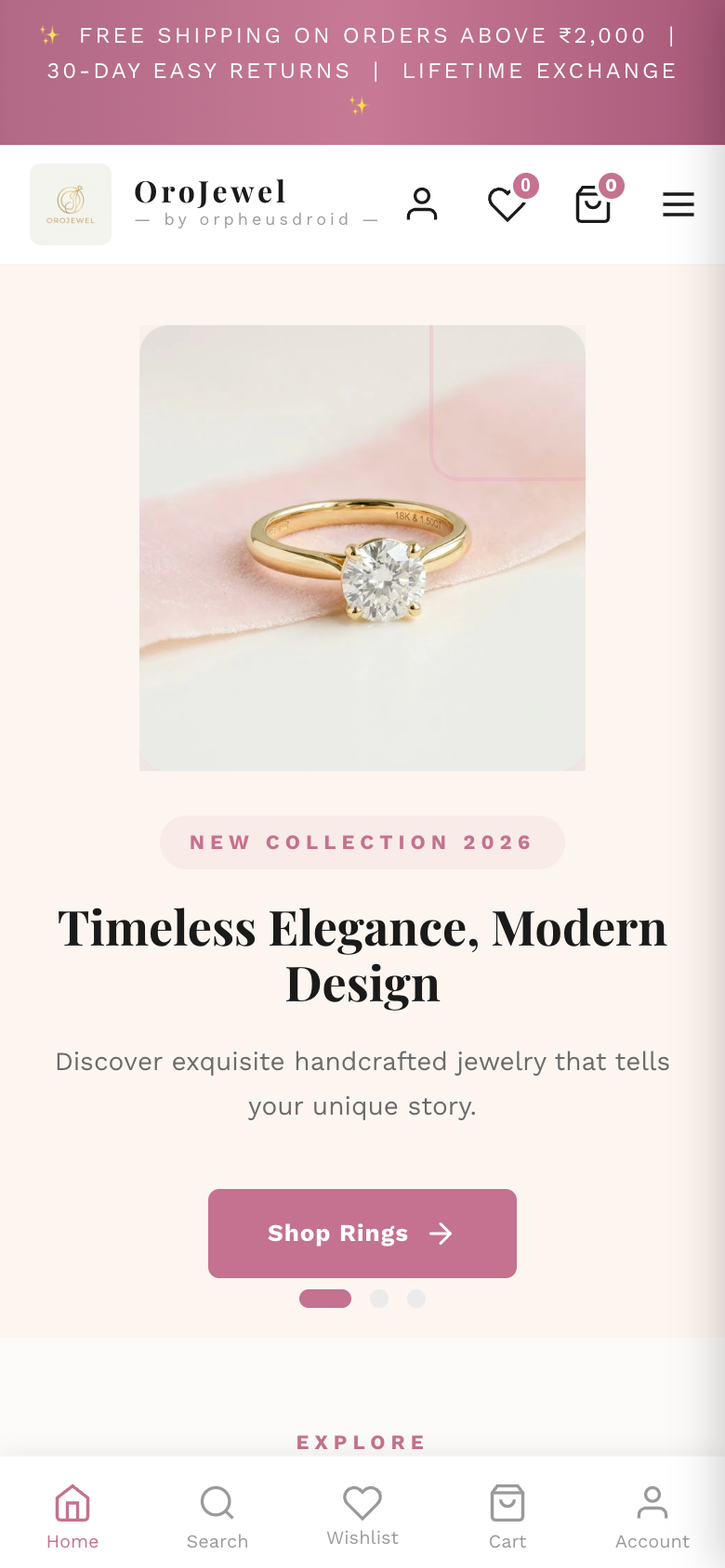
Mobile Navigation

Persistent bottom navigation bar (Home, Search, Wishlist, Cart, Account) with scroll-hide behaviour. Full-screen mobile drawer menu with accordion submenus.

Mobile Responsive

Cart Page

Full cart experience with AJAX quantity controls, remove buttons, discount code input, shipping estimator, order notes, and a clean order summary.

Cart AJAX

Localization

Language and currency/country selectors in the header with flag icons. Full multi-language and multi-currency support via Shopify's built-in localization system.

Header Multi-region

Trust Badges

Customizable trust-builder section with emoji icons, titles, and descriptions. Pre-configured with BIS Hallmarked, Free Shipping, 30-Day Returns, and Lifetime Exchange.

Homepage Configurable

How It Works

Configure everything from Shopify's theme editor

No code required. Every section, color, and setting is accessible directly from your Shopify admin panel.

Global Settings

Set your brand identity once, apply everywhere

Define your brand colors, typography, and layout from a single settings panel. All sections automatically inherit these values for perfect consistency.

  • 1 Go to Online Store → Themes in your Shopify admin
  • 2 Click Customize next to OroJewel
  • 3 Open Theme Settings from the left sidebar to configure colors, fonts & layout
yourstore.myshopify.com — Theme Editor
Collection page with filters
yourstore.myshopify.com
OroJewel homepage hero slider

Homepage Sections

Drag, drop, and customise your homepage

Mix and match from 10+ homepage sections. Each section is fully independent — add multiple instances, reorder them, or hide sections with a single toggle.

  • 1 In Theme Editor, select Home page from the page dropdown
  • 2 Click Add section at the bottom of the left panel
  • 3 Drag sections to reorder. Click any section to edit its settings.

Product Pages

Rich product experiences with blocks

Product pages use a block-based layout — add, remove, and reorder elements like title, price, variants, tabs, and pickup availability independently.

  • 1 Navigate to a product URL in the Theme Editor preview
  • 2 Click the Main product section in the left panel
  • 3 Use Add block to add elements, drag to reorder them
yourstore.com/products/diamond-ring
OroJewel product page

Theme Previews

See OroJewel in action

Pixel-perfect on every page and every device — from the hero slider to the mobile checkout flow.

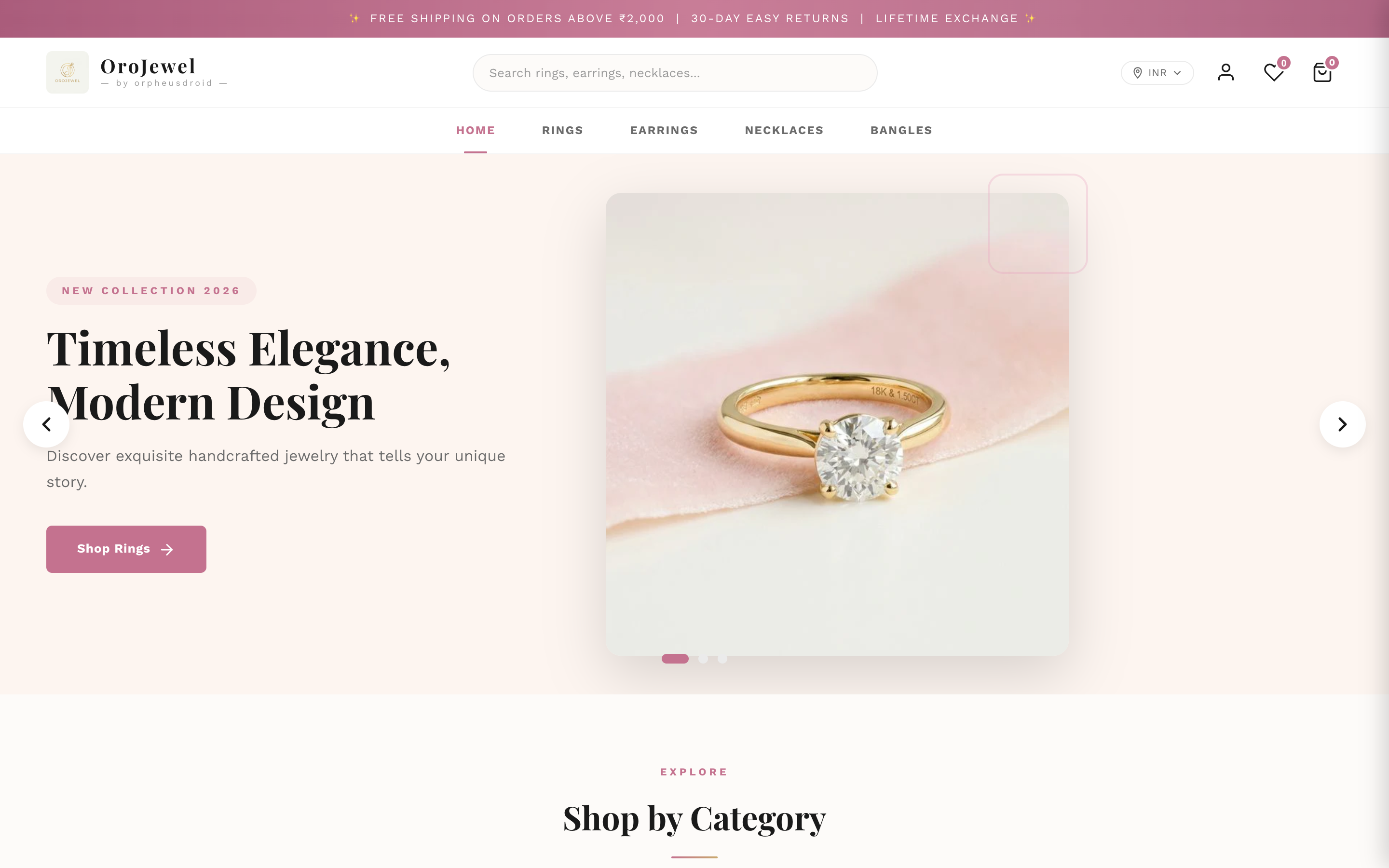
OroJewel homepage — full desktop view
Homepage
OroJewel product page
Product Page
Collection page with sidebar filters
Collection & Filters
AJAX search autocomplete dropdown
AJAX Search
Mobile view with bottom navigation bar
Mobile View

Design Language

Crafted for the elegance of fine jewelry

The default color palette is inspired by precious metals and gemstones. Every color is fully customizable from the Theme Settings panel.

Secondary / Gold
#C9A96E
Primary / Rose
#C4728F
Foreground / Text
#333333
Background
#FFFFFF
Secondary Foreground
#1A1A1A

Get Started

Ready to build your jewelry store?

Dive into the documentation to learn how to set up, configure, and customize every aspect of your OroJewel theme.